

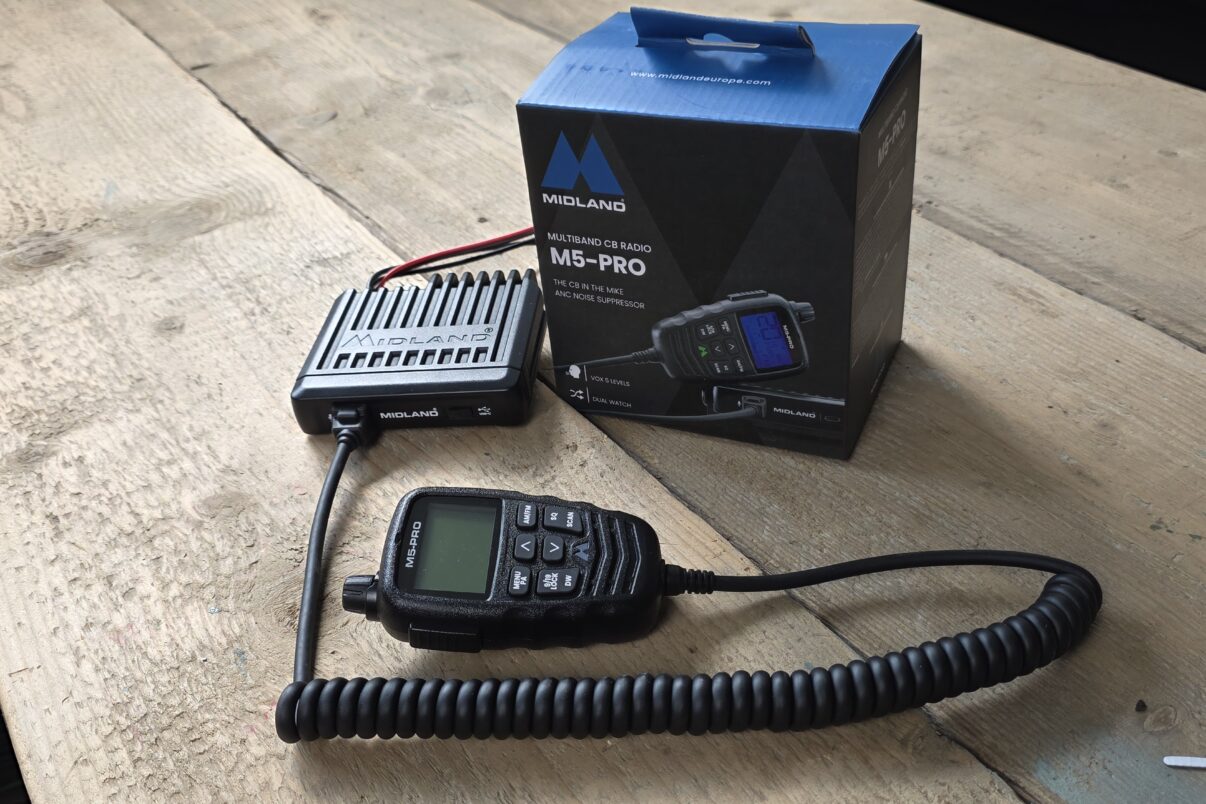

It feels like there’s been no real news in the CB radio field for a while. Then the Midland M5 Pro caught our eye. It no longer has a display on the unit itself, it’s small and compact. Although there was a similar predecessor, the M5, we only noticed it now. That was reason enough to take a look at the set.
There are numerous CB radios. So why pick one out now and report on it? I’ve already hinted at it. Because it stands out from the mass of other sets. It has all the functions you can expect from a current set, like analogue and digital squelch, VOX, dual watch and emergency switching.
The VOX function in particular deserves attention here, because since 1 June 2021 only sets with this hands-free function are allowed in German road traffic. We’ve reported on it: News on the microphone ban.
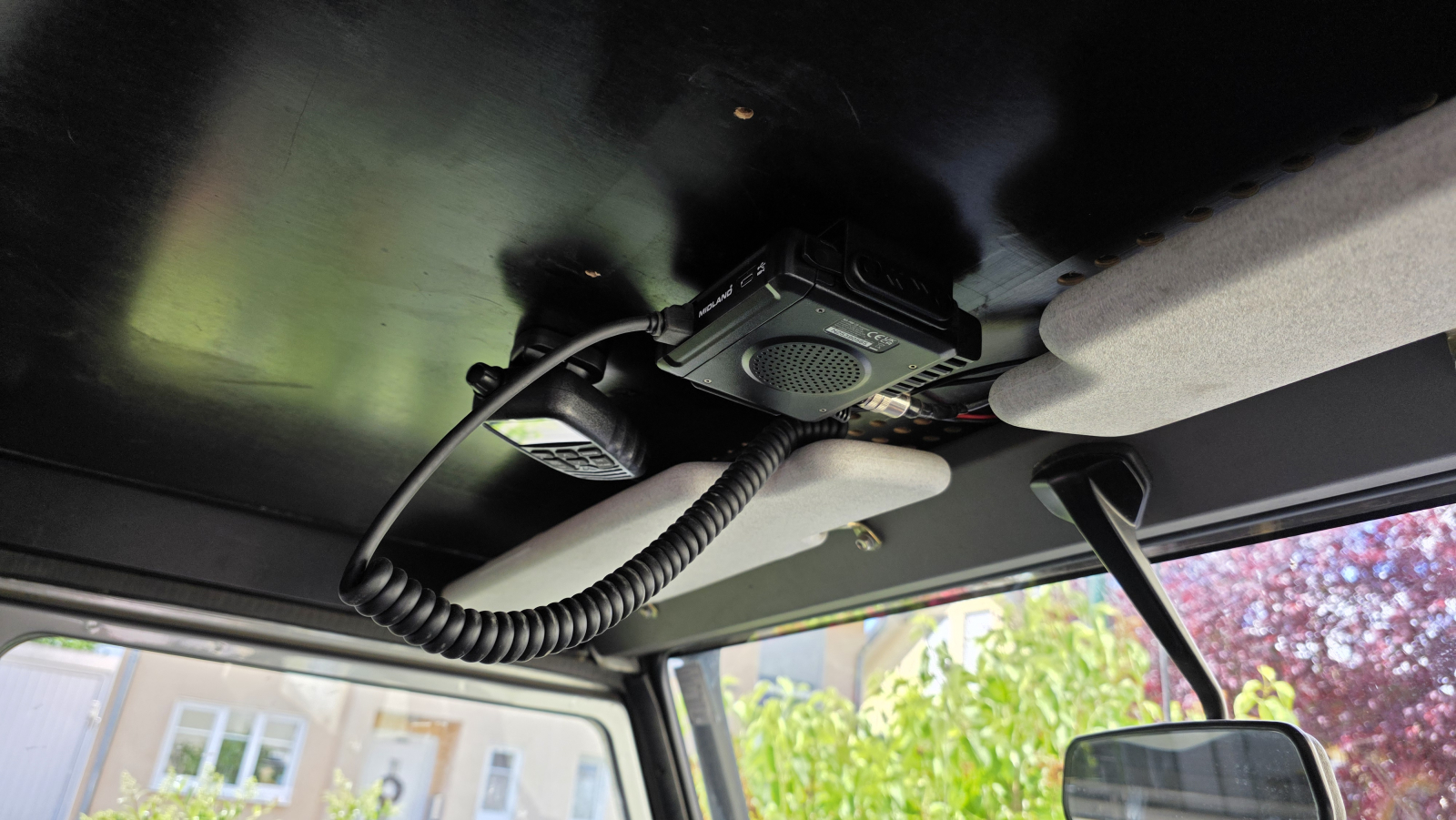
The special thing about the Midland M5 Pro, though, is that the control unit with display and buttons has moved onto the handset. This let the actual radio be made small and compact. It’s now suited to a hidden install and so also finds a place in the car more easily.
For us this was a topic in any case. In my Land Rover Defender 90 the much larger Midland Alan 48 only found a spot behind the central storage box, no ideal place. In Nik’s Defender 110 the big box was perched overhead on the ceiling. Because of the Alan 48’s dimensions in Nik’s car, the display was set so far back that it couldn’t be read without contortions. There the small format of 110 x 105 x 27 mm comes in just right. So it’s slightly smaller, if 2 mm taller, than the predecessor M5.
The Midland M5 Pro in detail
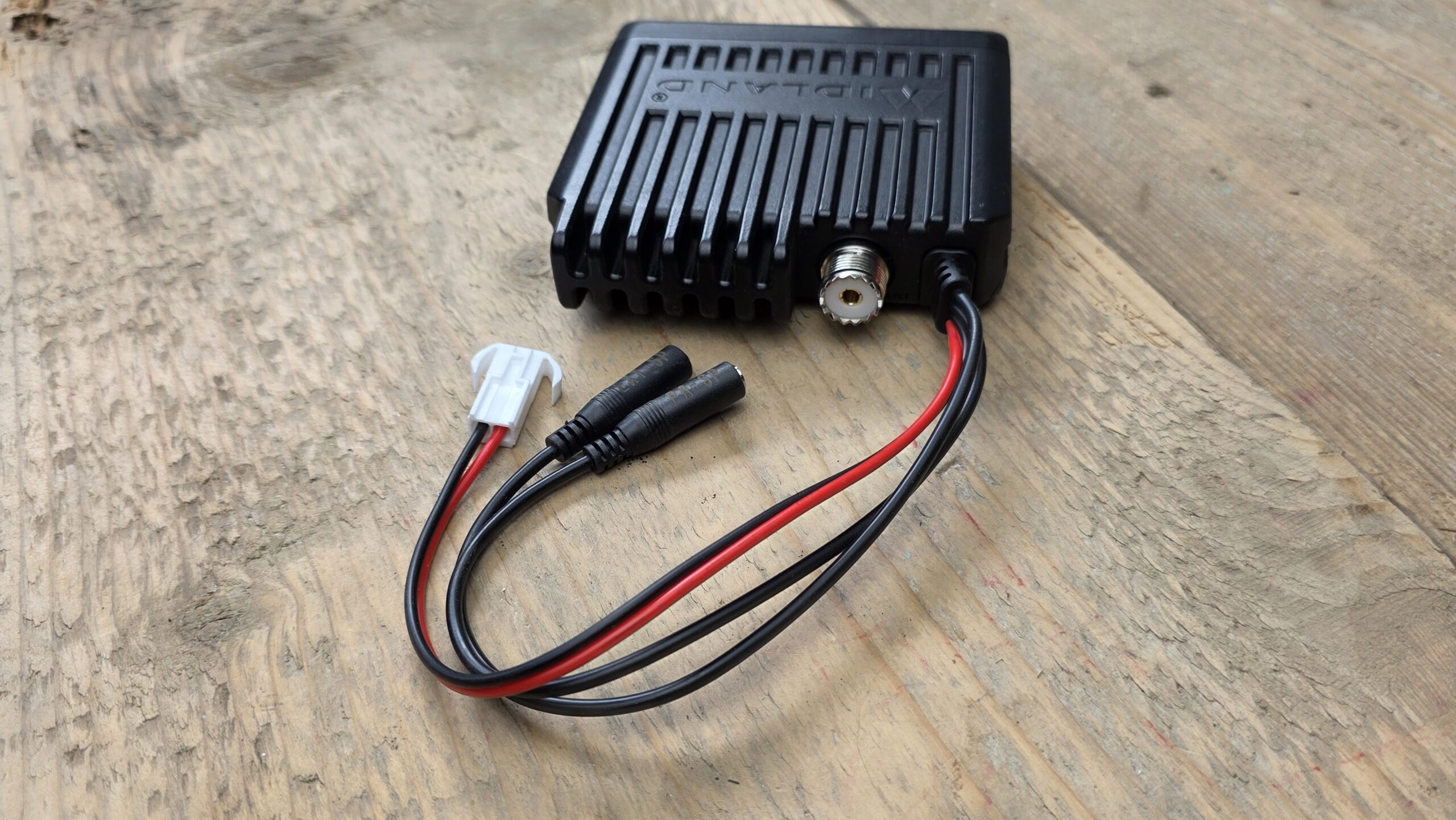
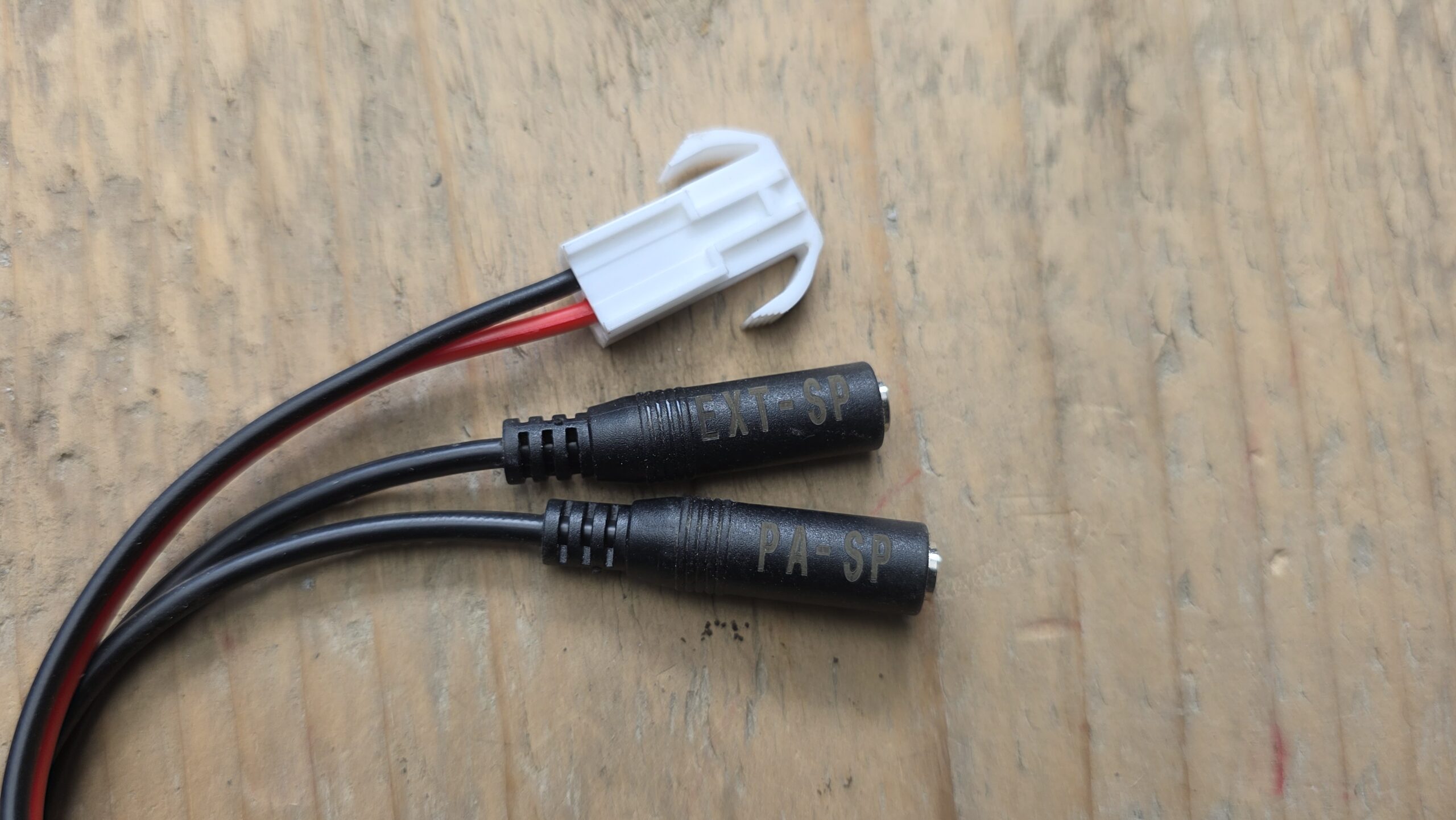
Let’s look at the set more closely. On the outside there’s now little to see. Cables with sockets for the power supply and one each for an external speaker and the PA function, the antenna connector, an RJ45 plug for the handset and the USB charging socket, which was already present on the predecessor M5, is now USB-C type.
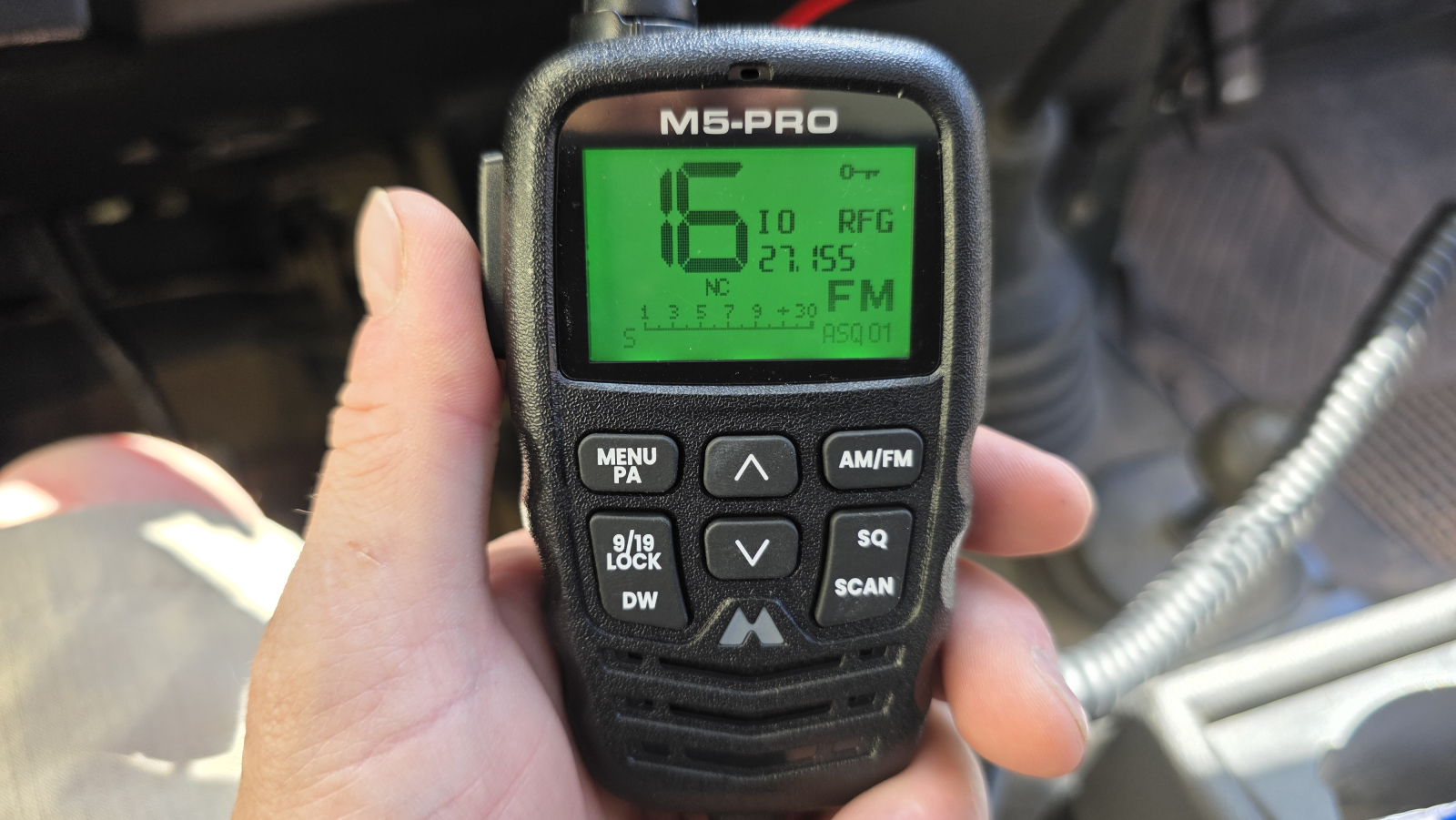
Midland has managed, even though all the functions have moved onto the handset, to keep it manageable and simple to operate all the same. All the functions needed more often are made directly as a button. The others can be reached via a simple menu system. I deliberately didn’t read the manual beforehand and got on with the operation intuitively right away. A useful function is also that the Midland symbol lights up green on an incoming call, red when transmitting.
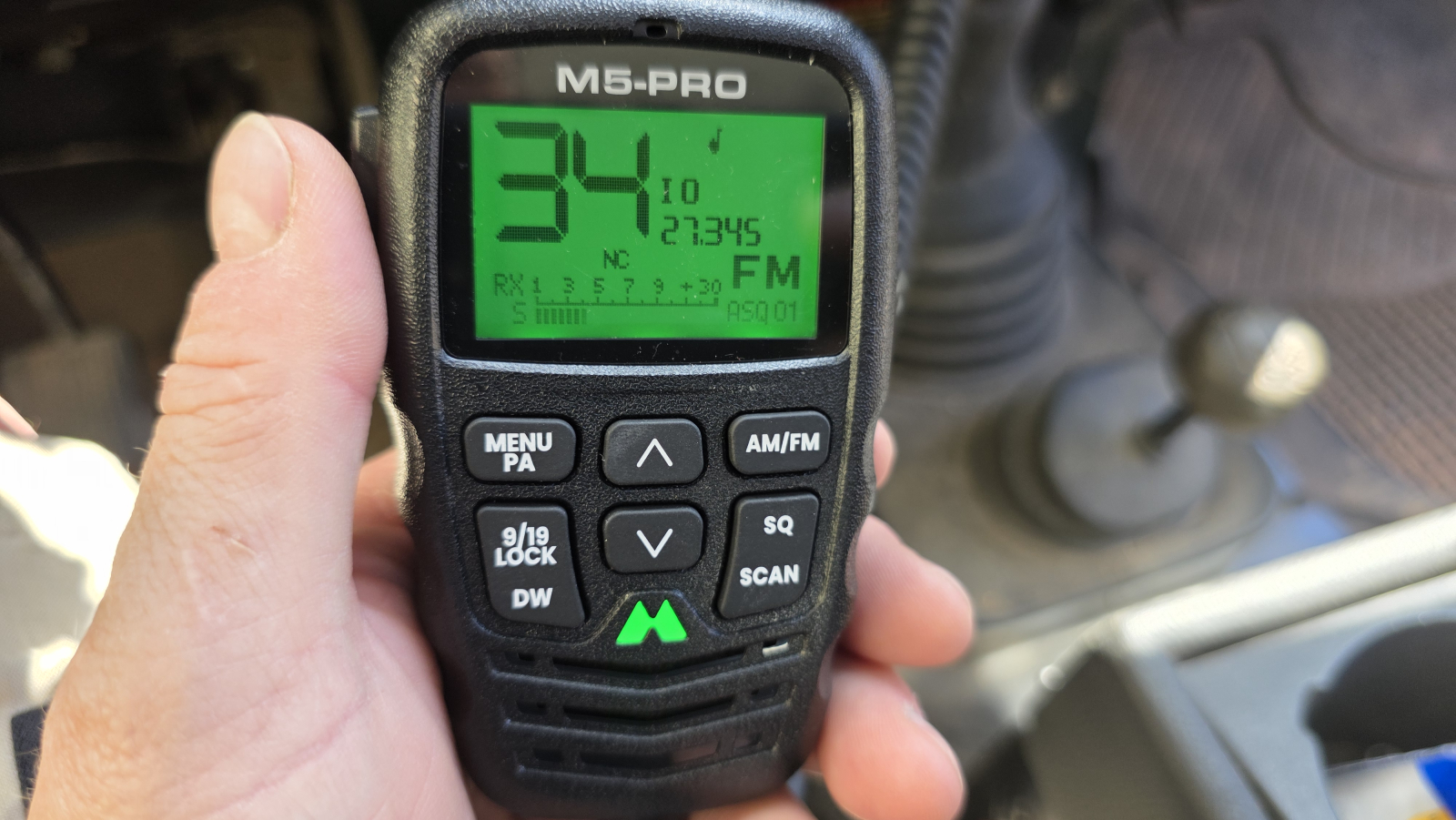
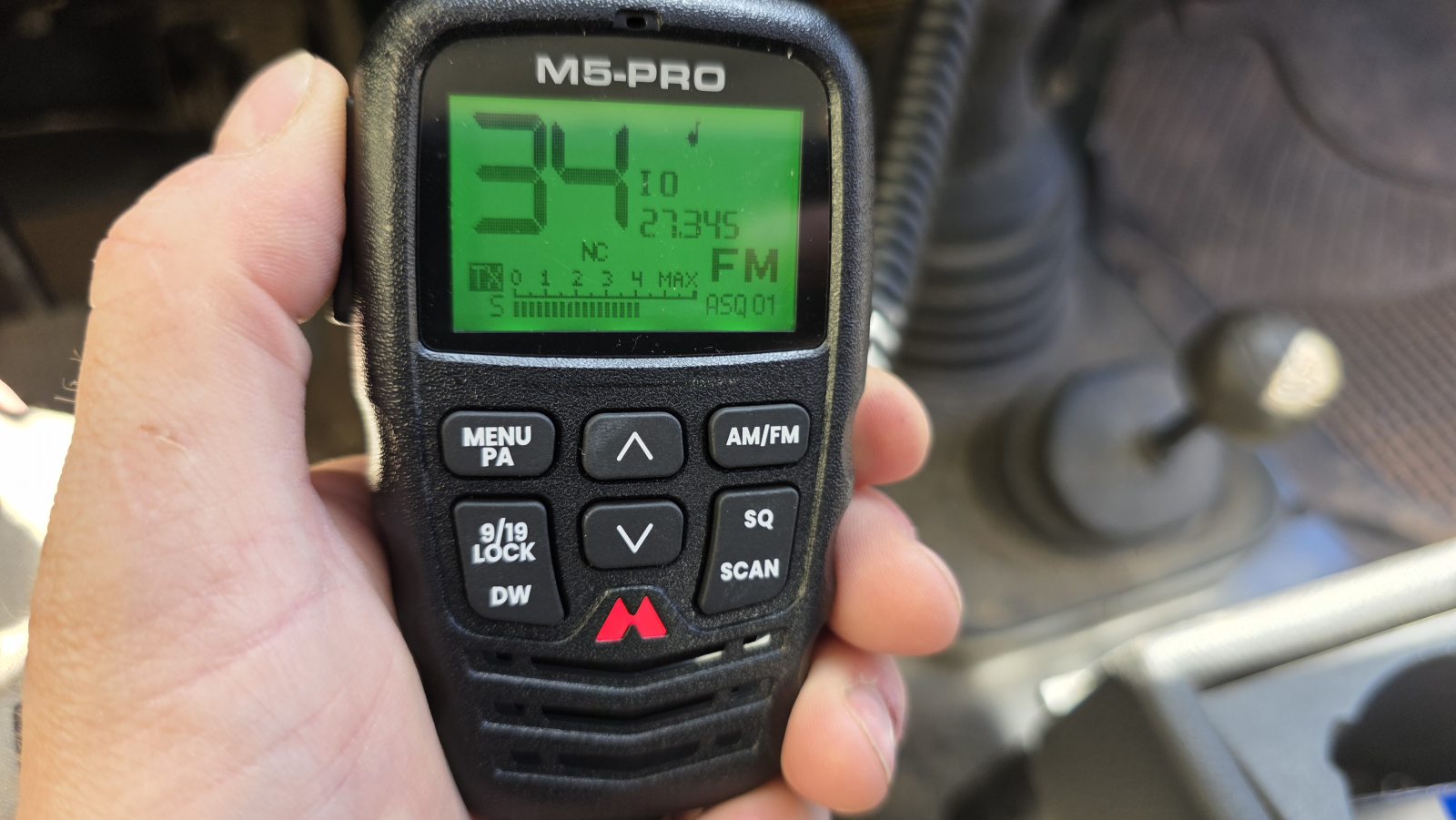
Differences between the Midland M5 Pro and the predecessor M5
The M5 Pro has two speakers, one in the unit, one in the control head. Via a menu function you can select one of the two or both. On the M5 there was only one speaker and a connection for an external speaker. If that was plugged in, the built-in speaker switched off automatically. The M5 Pro can send a roger beep. Then a short tone sounds at the receiver when you’ve released the transmit button. That way the receiver knows you’ve finished speaking and they can reply. The M5 also doesn’t have the option of setting different display colours.

Squelch, analogue and digital
The squelch, or better noise suppression, serves to suppress the atmospheric noise, the interference that’s always there where electromagnetic waves exist. It’s meant to keep the speaker silent when no real signal is being transmitted, that is when no one is speaking over the radio.
Classically this is solved in analogue form. With the squelch control you set a threshold for the incoming signal. This threshold concerns the field strength of the signal, put simply the voltage the radio signal produces in the antenna and at the radio’s input. That’s a few microvolts. Here it’s assumed that a proper radio signal is stronger than the permanent electromagnetic noise in the atmosphere. If the threshold is then exceeded, the gate opens and lets the received signal through.
The problem is that sources of strong electromagnetic waves also exceed the threshold and open the filter. As a result you hear loud noise and crackling. And weak real transmitters can go unheard because of it.
This is where the advantages of a digital squelch (generally called ASQ, on Midland DSS) come in. With ASQ/DSS a ratio between the noise and a voice is determined (signal-to-noise ratio, SNR). The noise has a certain characteristic over the frequency range of human speech at 3 to 5 kHz. Speech moves in a much lower frequency range. If a very weak signal now comes in that the analogue squelch would block out, the digital squelch recognises the ratio of noise to voice in a flash and lets the signal pass the gate if the ratio shows a large enough share of human voice.
In short, the analogue squelch decides based on the strength of the signal and the digital one based on the quality of the signal (is a voice present?).
RF Gain (RFG)
RF Gain, or radio-frequency gain, serves, similar to the squelch, to improve reception. The squelch serves to only let the signal through once it’s strong enough or contains a voice share. But then it lets everything through, interference and noise too. While in open country this interference should be lower, in areas with many electrical and electronic installations, transmitters and so on, or when the transmitting CB radio is very close, it can be much larger.
If your S-meter reading is permanently swung far out (e.g. S5) without anyone transmitting, that means a lot of noise and a lot of interference. Or, when the transmitter is very close, then its signal arrives at your antenna at high strength.
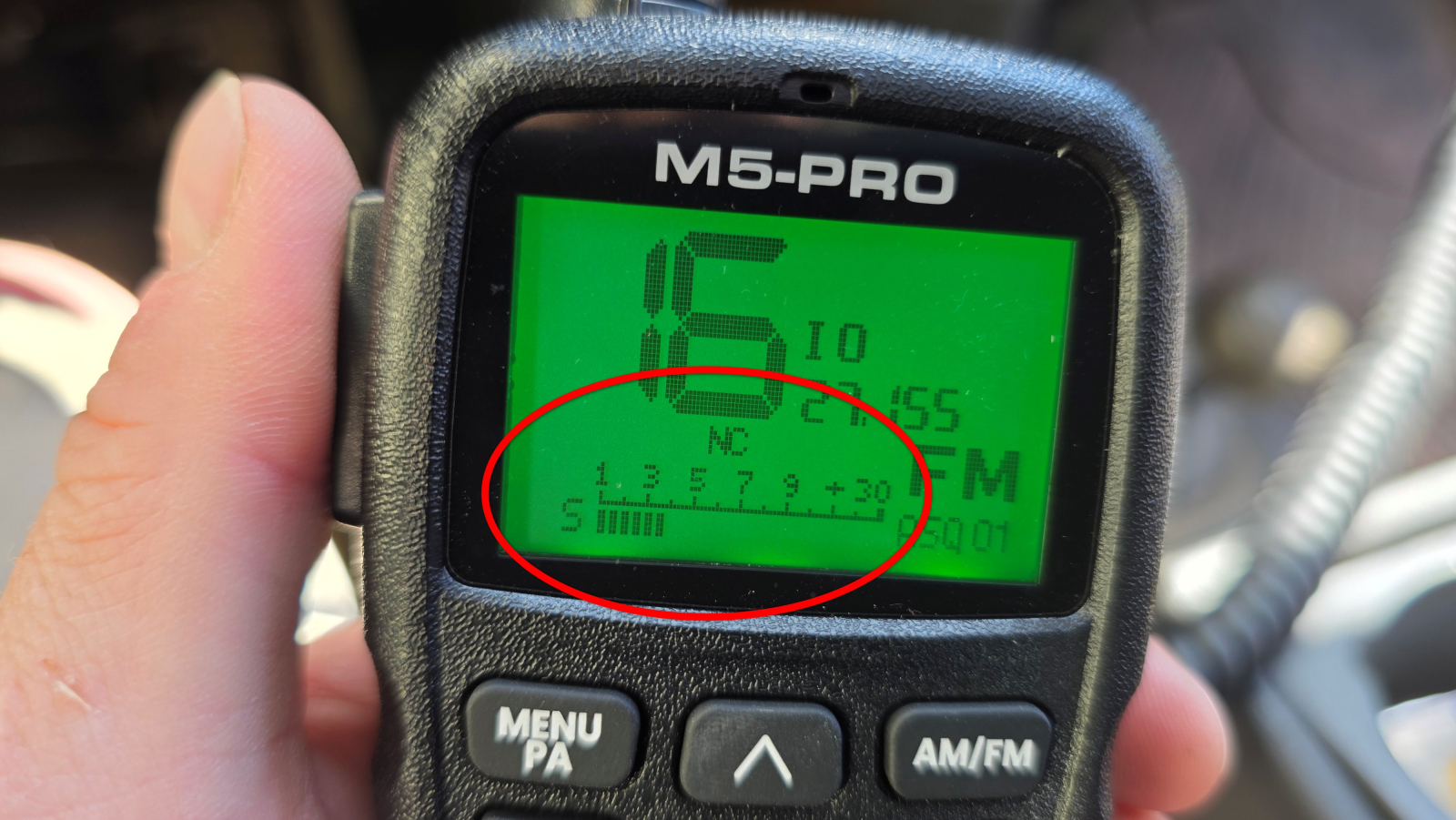
In those cases you turn the RFG (RF gain) back. That damps the signal so only the speech still comes through cleanly. The S-meter goes back, e.g. to S1. The disadvantage is that weak, distant transmitters no longer come through either. As a rule of thumb you can say, on open spaces with little interference turn the RF gain up, increase the gain, so weak signals are boosted in the radio. With a lot of interference, take the gain back to reduce the noise.
Our video on the Midland M5 Pro
Midland M5 Pro CB radio FAQ
What makes the Midland M5 Pro so special?
Does the Midland M5 Pro have the required hands-free function VOX?
How do I connect the Midland M5 Pro?
Can I drive through Europe with the Midland M5 Pro?
Can I match the display colour to my cockpit?
<br<